AI-Powered Thumbnail Generator

Where
Thumbs
Become Cinema

Stop losing clicks to generic thumbnails. Cinemavue is a cinematic storytelling system — 5 proven templates, each built for a specific emotional arc. The prompts are inside. You bring the story.

5Cinematic Templates
16:9YouTube Ready
Stories to Tell
Cinematic thumbnail
Cinematic thumbnail
Cinematic thumbnail
The System

"This is not a prompt box. This is a cinematic storytelling system — built story by story, template by template, over years of real YouTube production."

Every template inside Cinemavue was designed around a specific emotional arc. Every prompt was engineered to produce images that stop the scroll, earn the click, and respect your audience's intelligence.

The difference between a thumbnail that gets skipped and one that starts a conversation — before the video even plays. That difference lives here.


Explore the templates →
5Battle-Tested
Cinematic Templates
100%AI-Generated
Zero Design Skills
16:9YouTube-Ready
Every Time
Stories Our System
Is Built to Tell
Five Templates

Each One Is a
Story Architecture

01
Dual World DissolveBefore & After · Cause & Consequence
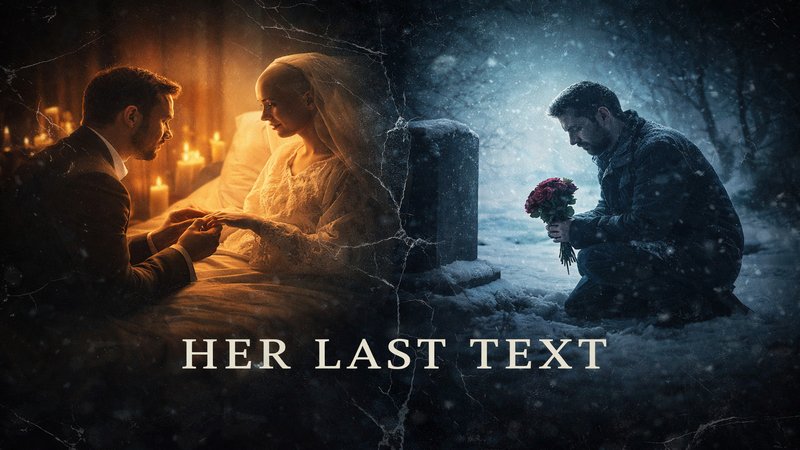
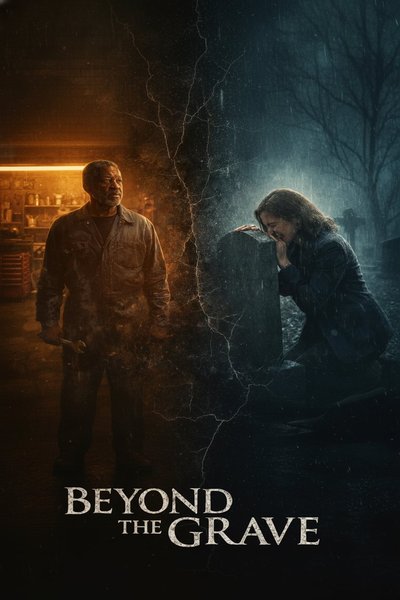
Two time periods dissolving through the center. Cold blue-teal left, warm amber right. The emotional journey lives in the transition.
Most Used
02
Three Zone DepthHidden Truth · Three-Character Stories
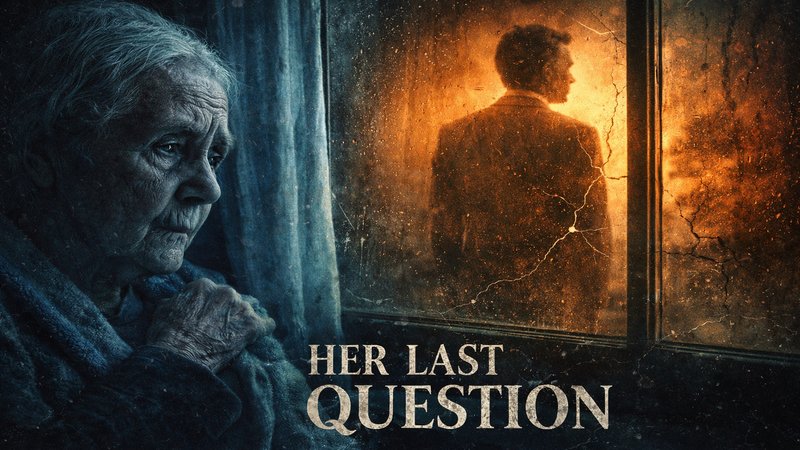
Three subjects at different depths — foreground, mid, background. Tension through spatial separation.
Drama Heavy
03
Bookend RevealTransformation · Central Object Stories
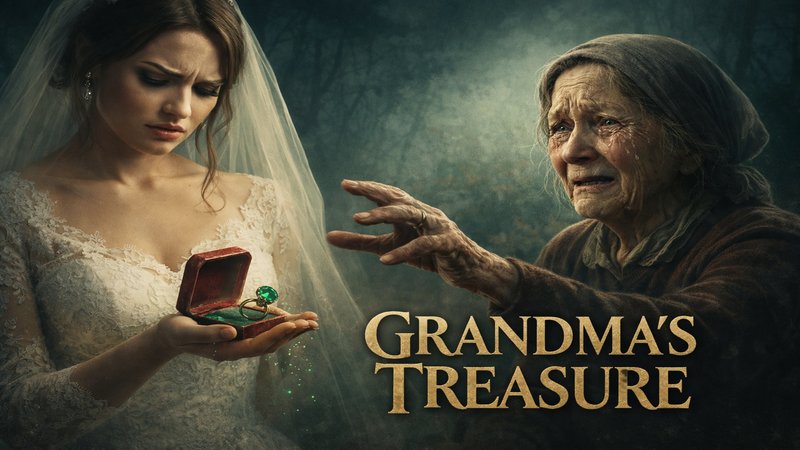
Two figures flanking a central symbol or object. The object carries the emotional weight of the story.
Symbolic
04
Panoramic Story ArcEpic Scope · Wide World Stories
Full cinematic sweep across a scene. Maximum visual impact for stories that feel larger than life.
Epic Scale
05
The Face-OffConflict · Justice · Confrontation
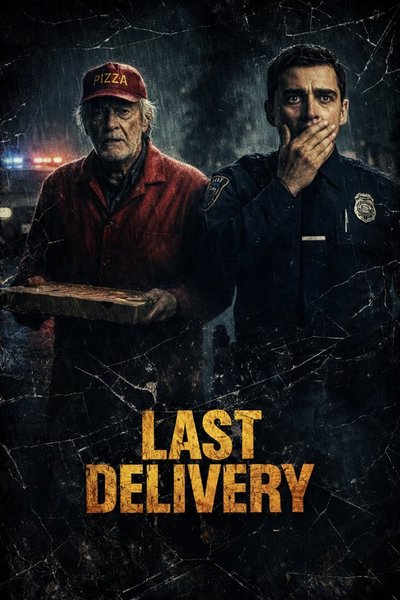
Two subjects in direct, charged confrontation. Maximizes psychological tension through eye contact and positioning.
High Tension
Explore All Templates →
The Process

Three Acts.
One Thumbnail.

Act I I 🎬

Describe Your Story

Enter your video title and emotional tone. The system reads your story — not just keywords. It knows the difference between tragedy, redemption, and revelation.

Act II II

Choose Your Template

Select the template that matches your story's structure. Each one was designed for a specific arc. The prompts are already inside — optimized over real production.

Act III III 🏆

Download & Publish

A 16:9 photorealistic thumbnail — cinematic lighting, dramatic composition, film-quality grade. Ready to upload. No design skills. No revision loops.

Pricing

Start Free.
Scale When Ready.

Free
$0
Forever
  • 3 thumbnails per month
  • All 5 templates
  • 16:9 download
  • No credit card required
Start Free
Unlimited
$19
Per Month
  • Unlimited thumbnails
  • All 5 templates
  • HD 16:9 downloads
  • Commercial license
  • Early access to new templates
Go Unlimited
See full pricing details →
FAQ

Questions,
Answered.

Everything you need to know before your first thumbnail. Still have questions? Contact us.

What is Cinemavue?+

Cinemavue is an AI-powered YouTube thumbnail generator built on a cinematic storytelling system. It's not a generic image tool — it's a structured method with 5 proven templates, each designed around a specific emotional arc. You describe your story. We generate the cinema.

What makes Cinemavue different from Canva or Pikzels?+

Most thumbnail tools give you a prompt box and generic results. Cinemavue runs a proprietary cinematic storytelling system — 5 proven templates each designed for a specific emotional arc and story structure. The prompts are already inside. You provide the story. We provide the cinema. This is the difference between a tool and a system.

Do I need design skills?+

None whatsoever. Cinemavue generates photorealistic, cinematically lit thumbnails from your story description alone. No Photoshop, no Canva, no design background required. If you can describe what your video is about, the system handles everything else.

What format are the thumbnails?+

All thumbnails are generated at 1792×1024px in 16:9 ratio — YouTube's recommended format. Download and upload directly. No resizing, no reformatting needed.

Can I use thumbnails commercially?+

Yes. Pro and Unlimited subscribers receive a full commercial license covering all thumbnails generated under their account. Free tier thumbnails are for personal use only.

Ready to begin

Your Story
Deserves
Cinema

No credit card. No design skills. Three free thumbnails, right now.
Stay Ahead

New Templates. CTR Tips. Free Weekly.

Join 2,000+ creators getting cinematic thumbnail strategies and YouTube growth tips every week.

No spam. Unsubscribe anytime.